A website can look excellent on a desktop and still deliver a poor experience on a smartphone. In 2026, that is a problem businesses cannot afford to ignore. People increasingly discover businesses, compare services, read information and make enquiries from mobile devices.
That makes mobile-friendly website design more than a visual preference. It affects how easily visitors can interact with a website, understand its content and complete important actions.
Whether you are building a new website or improving an existing one, working with a professional Website Design Company can help you approach mobile design from the beginning rather than treating it as an afterthought.
But what should you actually check?
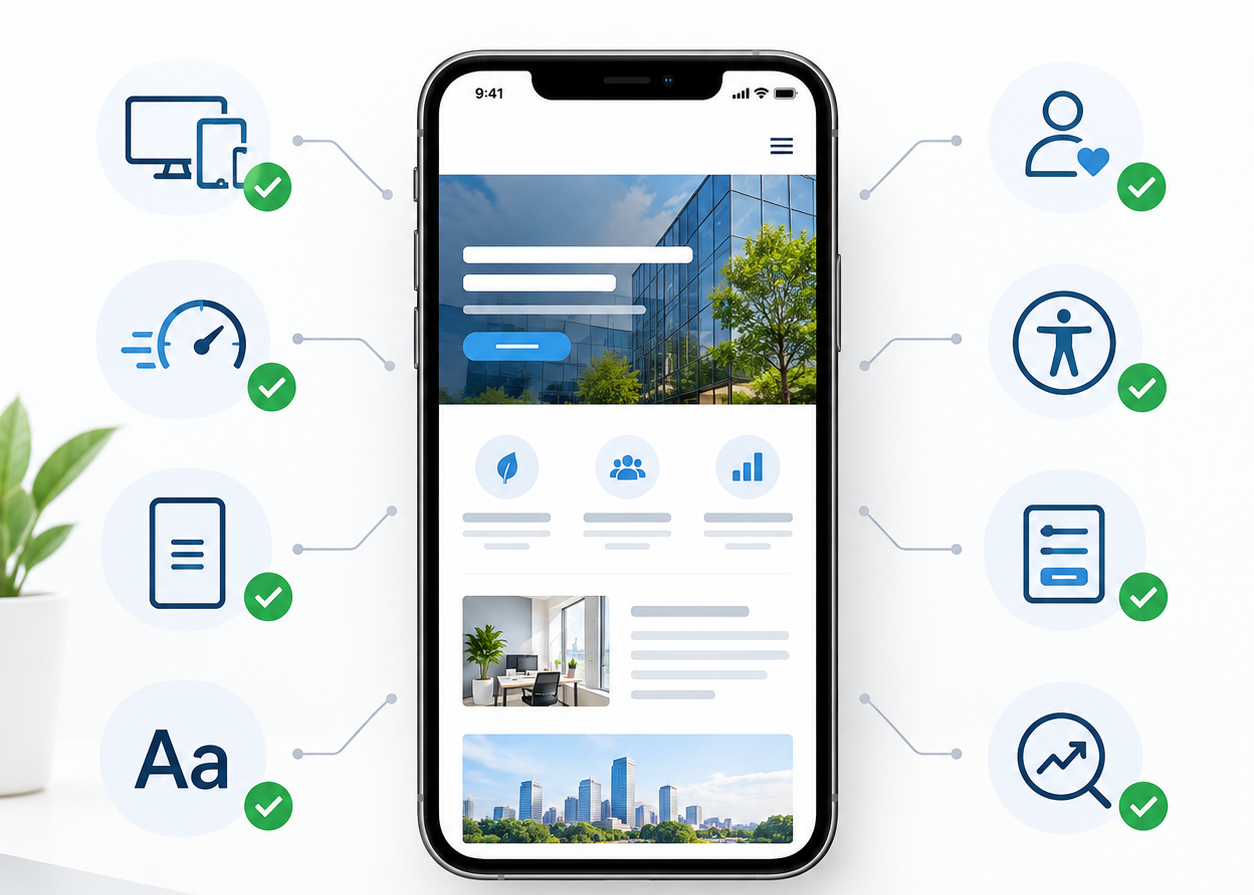
A mobile-friendly website is not simply a desktop page squeezed into a smaller screen. It needs responsive layouts, readable content, comfortable navigation, efficient performance and a clear purpose.
Here is a practical checklist for businesses that want to review their website properly.
1. Start With a Responsive Layout
The foundation of a mobile-friendly website is responsive design.
A responsive website adjusts its layout according to the screen being used. Images resize, columns rearrange, text remains readable and navigation adapts to smaller displays.
Professional Website Design Services India should consider mobile layouts during the planning stage instead of creating a desktop design first and attempting to fix it later.
A responsive website should allow visitors to:
- Read content without zooming
- Scroll vertically without horizontal movement
- Tap buttons comfortably
- View images correctly
- Navigate between pages easily
- Access important information without unnecessary effort
The goal is simple: the website should feel natural regardless of the device.
2. Make the First Screen Useful
The first few seconds matter.
When someone opens a website on a smartphone, they should quickly understand what the business offers and what they can do next.
This is where custom web design becomes valuable. Instead of filling the opening screen with excessive graphics or multiple competing messages, the design can focus attention on the most important information.
A strong mobile first screen usually includes:
- A clear headline
- A short supporting message
- One obvious action
- Relevant visual content
- Easy access to navigation
A visitor should not have to scroll through half the homepage before understanding what the business actually does.
3. Check Real-World Website Speed
A website may appear fast during development because it is being tested on a powerful computer and fast internet connection.
Real visitors may have a completely different experience.
Page speed can be affected by large images, unnecessary scripts, excessive animations, third-party tools and inefficient code.
A reliable Web Development Company can help identify technical elements that are slowing down a website and determine where performance improvements are needed.
Before launch, test important pages rather than checking only the homepage.
4. Keep Mobile Navigation Simple
Desktop screens provide plenty of room for navigation menus. Smartphones do not.
A mobile menu should therefore be straightforward and predictable.
Visitors should be able to locate important pages without opening several confusing menus.
Avoid:
- Excessively deep navigation
- Tiny menu items
- Unclear labels
- Too many competing options
- Links positioned too close together
Good navigation quietly guides visitors through the website without making them think about how the website works.
5. Design Around the User
Mobile design should focus on what visitors actually need to accomplish.
For example, a service website may need to help users understand services and submit enquiries. An e-commerce website may need to make product discovery and checkout simple.
This is why UI UX design services are closely connected with mobile performance and usability.
Good UX considers:
- User expectations
- Information hierarchy
- Navigation
- Readability
- Interaction
- Conversion paths
A visually attractive website is useful, but an intuitive website gives visitors a clearer path toward their goals.
6. Don’t Hide Important Information
One common mobile design mistake is removing useful content simply because the screen is smaller.
Mobile visitors may still need product specifications, service information, FAQs, contact details, pricing information and other important content.
The solution is not necessarily to remove information. Instead, organize it better.
Accordion sections, structured headings, concise paragraphs and clear content hierarchy can make detailed information easier to consume without overwhelming the screen.
7. Give WordPress Websites Proper Technical Attention
WordPress gives businesses considerable flexibility, but websites can become unnecessarily complicated when too many plugins, scripts or poorly optimized themes are added.
A professional WordPress Development Company India can help create a cleaner technical structure suited to the website’s requirements.
For mobile users, review:
- Theme responsiveness
- Plugin performance
- Image handling
- Mobile menus
- Forms
- Scripts
- Caching
- Updates
Regular maintenance is important because website performance can change as new features and plugins are introduced.
8. E-Commerce Websites Need Mobile Checkout Testing
For an online store, mobile usability goes beyond the homepage.
Visitors need to search for products, view images, select options, add products to the cart and complete checkout.
Businesses using Shopify should pay attention to the entire customer journey. A Shopify Development Company India can help structure the store around that journey.
Test the complete process on a real phone.
A beautiful product page is not enough if the customer struggles with the checkout form.
9. Make SEO and Website Design Work Together
Search engine optimization should not be treated as something added after website development.
Page structure, content organization, technical performance, internal navigation and mobile usability all influence how effectively a website can serve both visitors and search engines.
A professional SEO Company in India can help identify search-related opportunities while the design and development teams ensure those improvements remain useful to people.
The best website content should make sense whether it is being read by a search engine or a potential customer.
10. Give Every Page a Clear Purpose
A website should not exist simply because every business is expected to have one.
Each important page should have a purpose.
It could be designed to:
- Generate enquiries
- Explain a service
- Sell a product
- Build trust
- Collect leads
- Provide information
- Encourage a consultation
A Digital Marketing Company India can help connect website activity with wider marketing objectives.
For every page, ask one practical question:
What should the visitor do after reading this page?
Once that is clear, the content, layout and calls-to-action become easier to organize.
11. Test Landing Pages From Social Media
Website visitors do not always arrive through search engines.
Social media campaigns, advertisements and shared content can send visitors directly to specific landing pages.
If a business is investing in Social Media Marketing Services India, those landing pages should be tested carefully on mobile devices.
Check whether the visitor can:
- Understand the offer
- Read the content
- Find the relevant information
- Complete the intended action
- Contact the business
A campaign may attract attention, but the landing page has to continue the experience.
12. Local Websites Need More Than a City Name
Local businesses often create location-specific pages to reach customers searching in particular areas.
For example, a Website Designing Company in Patiala should provide genuinely useful information for businesses or customers looking for website services in that market.
Similarly, a Website Designing Company in Punjab can create location relevance by discussing services, business requirements and the needs of the regional audience.
Simply inserting a location into an otherwise identical page does not create meaningful local content.
13. Make City-Specific Pages Useful
Businesses serving several cities should ensure that each location page has a clear reason to exist.
A page targeting a Website Designing Company in Ludhiana should provide useful information relevant to businesses in that location.
The same principle applies when creating a page for a Website Designing Company in Mohali.
Useful location pages can discuss:
- Services available
- Common business requirements
- Industries served
- Website challenges
- Local customer expectations
- Ways to get started
The focus should remain on usefulness rather than repeating the location keyword.
14. Don’t Forget Chandigarh and Nearby Markets
Regional businesses often serve customers across neighbouring cities.
A Website Designing Company in Chandigarh, for instance, should give visitors a reason to stay on the page beyond seeing the word “Chandigarh.”
The same approach can be applied to a Website Designing Company in Panchkula page.
The more specific and useful the information is, the more valuable the page can become for its intended audience.
15. Consider the Wider Haryana Market
If a business serves customers across a state rather than one city, its website should communicate that broader service area clearly.
A Website Designing Company in Haryana can explain the types of businesses served, available services and the website requirements common to organizations in different areas.
Again, the objective should be useful regional information rather than keyword repetition.
16. Mobile Experience Matters in International Markets
The same mobile principles apply when a business targets customers outside India.
International visitors still expect clear navigation, readable content, fast pages and easy contact options.
For businesses targeting Canada, a Website Design Company in Brampton page should communicate its service offering clearly to the intended audience.
A Website Design Company in Surrey page should follow the same principle while addressing its specific market.
Location targeting should support useful content rather than replace it.
17. International Pages Should Be More Than Keyword Variations
Expanding internationally requires more than replacing one location name with another.
For example, a Website Design Company in California should be written for the businesses and expectations of that market.
Likewise, a Website Design Company in Australia should provide information that makes sense to its intended audience.
The mobile experience should remain consistent across all regional and international pages.
18. Test Every Form on a Real Smartphone
Forms are among the most important elements to test.
A form that works perfectly on desktop may become frustrating on mobile.
Check whether:
- Fields are easy to tap
- Labels are readable
- The keyboard does not hide important fields
- Error messages are understandable
- Required fields are obvious
- The submit button is easy to use
Try completing the form yourself on an actual smartphone from beginning to end.
19. Use Pop-Ups Carefully
Pop-ups can support lead generation, newsletter sign-ups and promotional campaigns.
However, mobile screens have limited space.
An oversized pop-up can cover the entire page and make it difficult for visitors to continue browsing.
If you use pop-ups, make sure they:
- Have a clear purpose
- Are easy to close
- Do not obstruct essential information
- Work properly on mobile screens
- Appear at an appropriate point in the journey
The visitor experience should remain the priority.
20. Accessibility Should Be Part of the Design
A mobile-friendly website should also be comfortable for people with different abilities and browsing needs.
Use:
- Readable font sizes
- Clear contrast
- Descriptive labels
- Logical headings
- Accessible forms
- Proper image descriptions
- Easy-to-identify buttons
Accessibility improvements often make a website easier for everyone to use.
Final Mobile-Friendly Website Checklist
Before launching a website, review the following:
- Is the layout responsive?
- Can visitors read content without zooming?
- Are buttons comfortable to tap?
- Does the website load efficiently?
- Are images optimized?
- Is navigation simple?
- Are forms mobile-friendly?
- Is important content available?
- Are location pages genuinely useful?
- Are calls-to-action clear?
- Does the website support SEO?
- Have real smartphones been used for testing?
- Does every important page have a clear purpose?
These checks may look simple, but together they can make a significant difference to the overall website experience.
Final Thoughts
Mobile-friendly design is not about passing a single test. It is about creating a website that works properly for real people using real devices. A successful mobile experience brings together responsive design, thoughtful UX, clean development, useful content, performance, accessibility and ongoing testing. Businesses should therefore avoid treating mobile optimization as a final technical task. It should influence decisions from the first wireframe through development and after launch. A website that loads efficiently, communicates clearly and makes important actions easy gives visitors fewer reasons to leave and more opportunities to engage.
In 2026, that is what modern website design should aim for: not simply a website that fits a mobile screen, but a website that works naturally on one.